> ## Documentation Index
> Fetch the complete documentation index at: https://dshtauri.mintlify.site/llms.txt
> Use this file to discover all available pages before exploring further.
# 快速开始
> 通过轻量、免配置的桌面应用在本机运行 DeepSeek Harness。
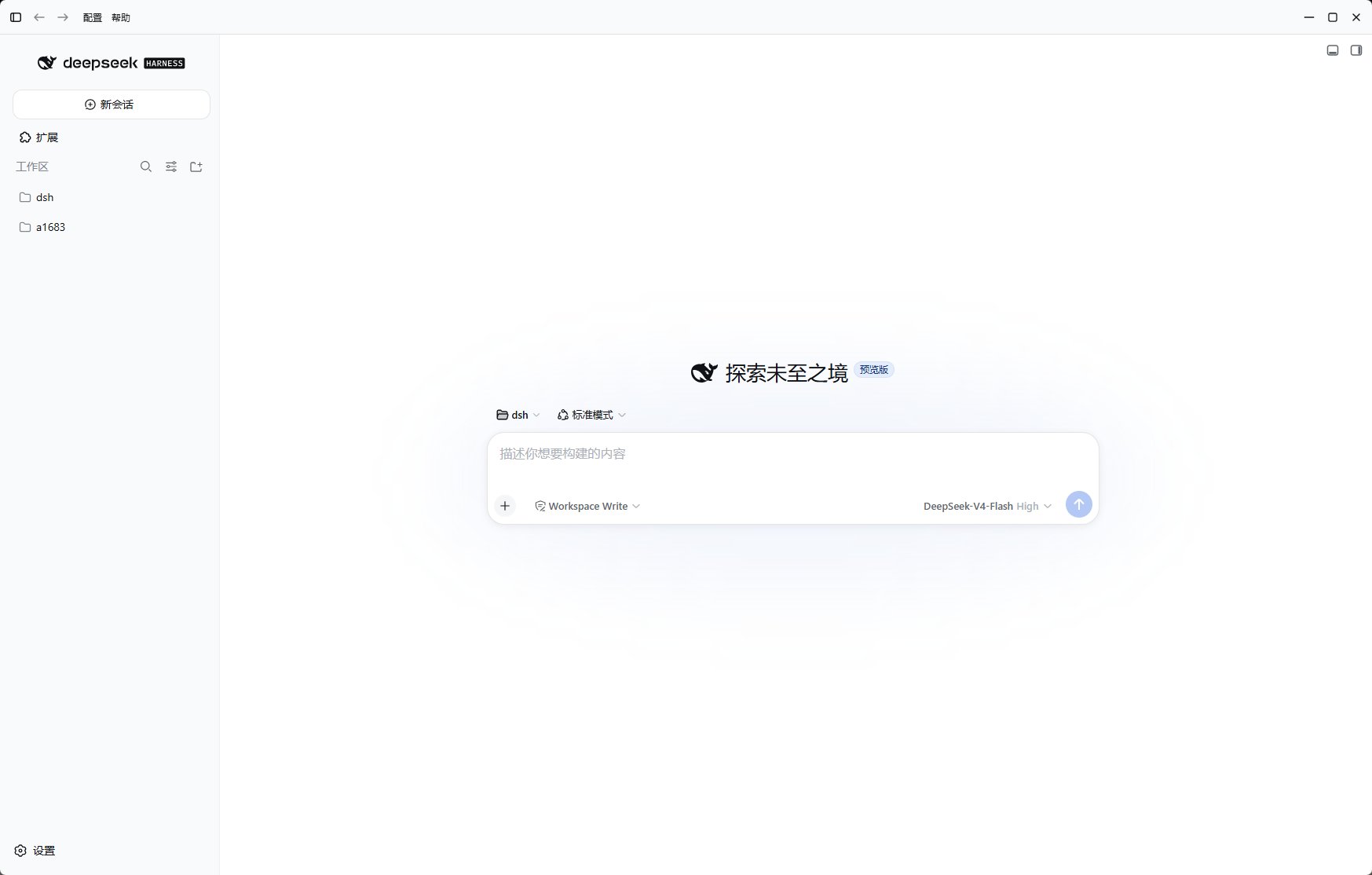
DeepSeek Harness Desktop 通过原生 Tauri 桌面壳,统一管理本地运行时、Harness
内核、插件与更新。安装后即可开始使用,无需自行配置 Node.js、pnpm 或 Docker。
 为 Windows、macOS 或 Linux 选择安装包。
让应用准备本地运行时并打开 Harness。
理解 Tauri、Harness 服务和插件如何协作。
## 桌面端提供什么
* 使用 Tauri 2 构建的轻量原生桌面壳。
* 带区域下载回退的运行时与 Harness 内核安装流程。
* 统一管理 Profile、内核与插件的双语界面。
* 为新终端会话注册 `dsh` 命令。
* 第一方桌面集成与可选预设插件。
* 桌面端和 Harness 内核相互独立的更新机制。
Harness 可以在你的计算机上执行代码。请仅使用可信仓库和插件,审查所需权限,
并在处理不可信代码时使用隔离工作区。
## 选择阅读路径
了解会话、Profile、内核和插件的日常工作流。
配置 React 19 与 Rust/Tauri 开发环境。
为 Windows、macOS 或 Linux 选择安装包。
让应用准备本地运行时并打开 Harness。
理解 Tauri、Harness 服务和插件如何协作。
## 桌面端提供什么
* 使用 Tauri 2 构建的轻量原生桌面壳。
* 带区域下载回退的运行时与 Harness 内核安装流程。
* 统一管理 Profile、内核与插件的双语界面。
* 为新终端会话注册 `dsh` 命令。
* 第一方桌面集成与可选预设插件。
* 桌面端和 Harness 内核相互独立的更新机制。
Harness 可以在你的计算机上执行代码。请仅使用可信仓库和插件,审查所需权限,
并在处理不可信代码时使用隔离工作区。
## 选择阅读路径
了解会话、Profile、内核和插件的日常工作流。
配置 React 19 与 Rust/Tauri 开发环境。