> ## Documentation Index
> Fetch the complete documentation index at: https://dshtauri.mintlify.site/llms.txt
> Use this file to discover all available pages before exploring further.
# 首次运行
> 准备本地运行时、选择插件并首次打开 Harness。
首次设置会准备本地 Harness 服务,并在桌面窗口中加载其 Web 界面。
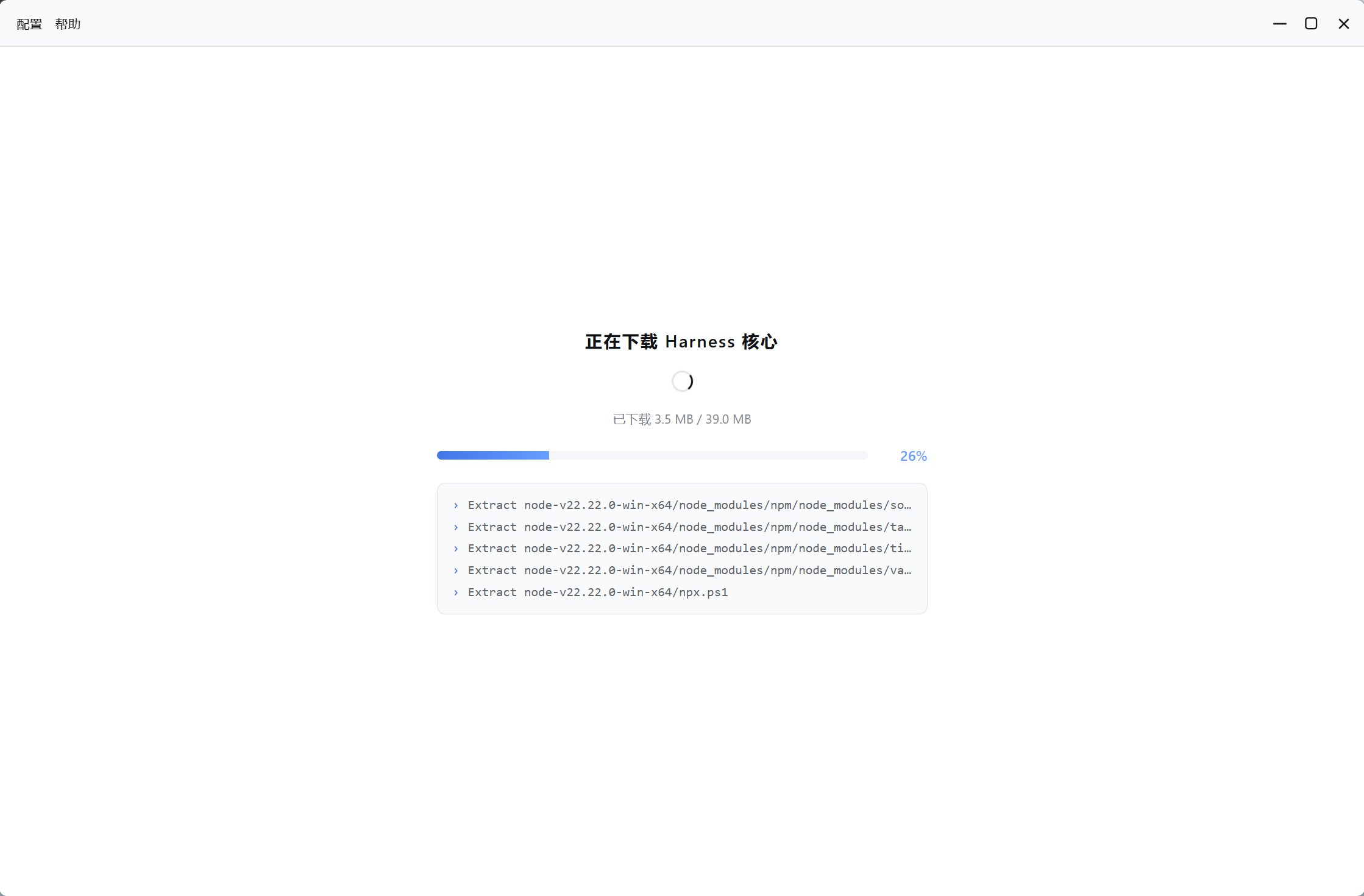
桌面端检查兼容的本地 Node.js 和 Harness 内核;不可用时下载托管运行时和预构建内核。
下载和校验期间保持应用开启。应用优先使用 GitHub 官方资源,受支持的下载可回退到镜像。
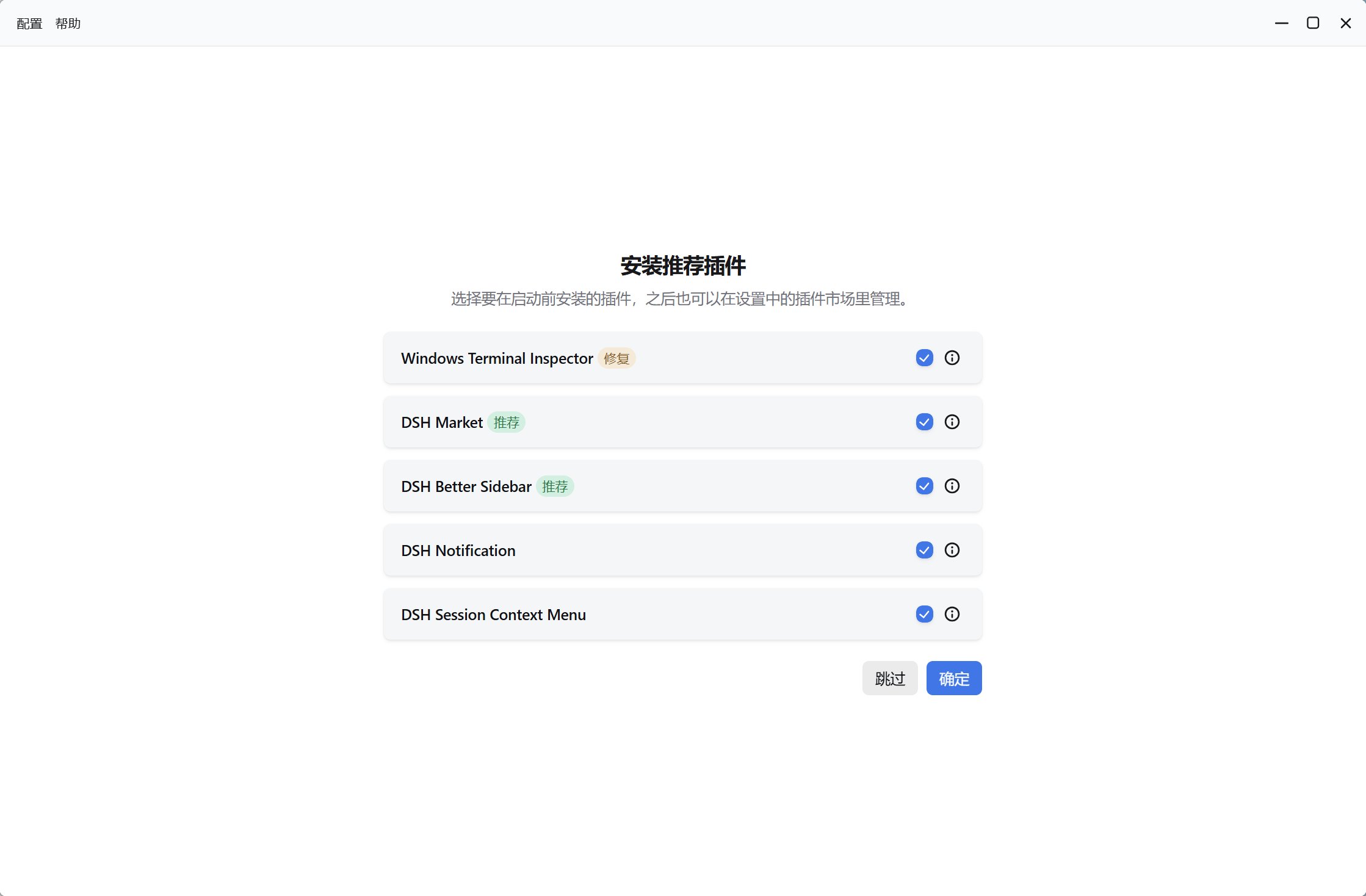
从向导中选择可选集成,也可以跳过并稍后在插件管理中配置。
应用启动仅监听回环地址的服务,通常为 `http://127.0.0.1:3080`,并嵌入桌面窗口。
 ## 安装的内容
* 没有兼容系统运行时时安装的托管 Node.js。
* 由 `deepseek-harness-pkg` 发布的预构建 `dsh`。
* pnpm 及必要的辅助命令行工具。
* 必需的第一方内部插件。
* 你选择的可选预设插件。
* 启用 CLI 集成时创建的 `dsh` 命令 shim。
## 验证设置
设置完成后打开一个**新终端**并运行:
```bash theme={null}
dsh --help
```
必须重新打开终端才能读取更新后的 `PATH`。桌面窗口应显示 Harness 会话界面。
如果首选端口被占用,服务可以选择更高的可用端口;端口空闲后,后续启动会尝试恢复首选值。
若设置无法完成,请阅读[故障排除](../help/troubleshooting);设置成功后继续[配置模型](./configure-model)。
## 安装的内容
* 没有兼容系统运行时时安装的托管 Node.js。
* 由 `deepseek-harness-pkg` 发布的预构建 `dsh`。
* pnpm 及必要的辅助命令行工具。
* 必需的第一方内部插件。
* 你选择的可选预设插件。
* 启用 CLI 集成时创建的 `dsh` 命令 shim。
## 验证设置
设置完成后打开一个**新终端**并运行:
```bash theme={null}
dsh --help
```
必须重新打开终端才能读取更新后的 `PATH`。桌面窗口应显示 Harness 会话界面。
如果首选端口被占用,服务可以选择更高的可用端口;端口空闲后,后续启动会尝试恢复首选值。
若设置无法完成,请阅读[故障排除](../help/troubleshooting);设置成功后继续[配置模型](./configure-model)。